

The overview comes first.
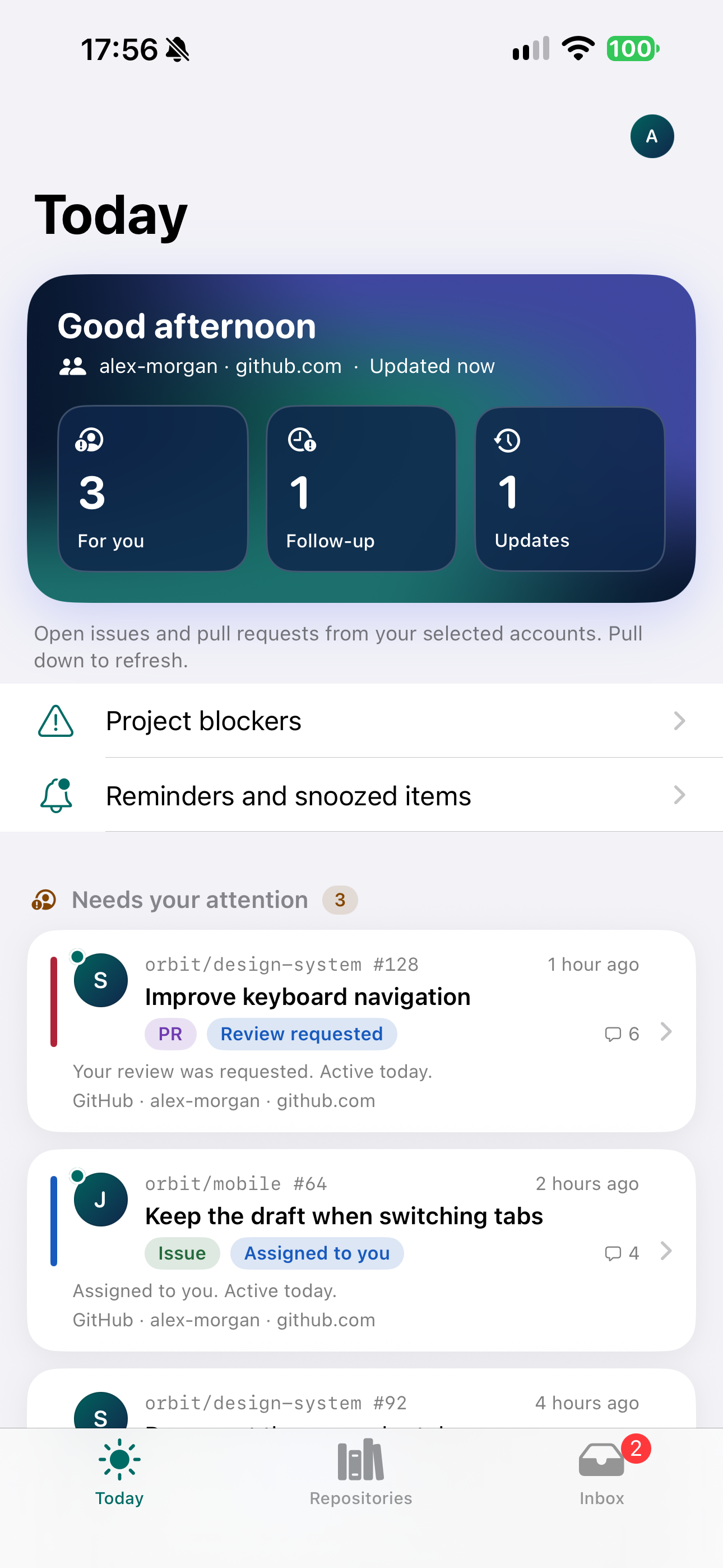
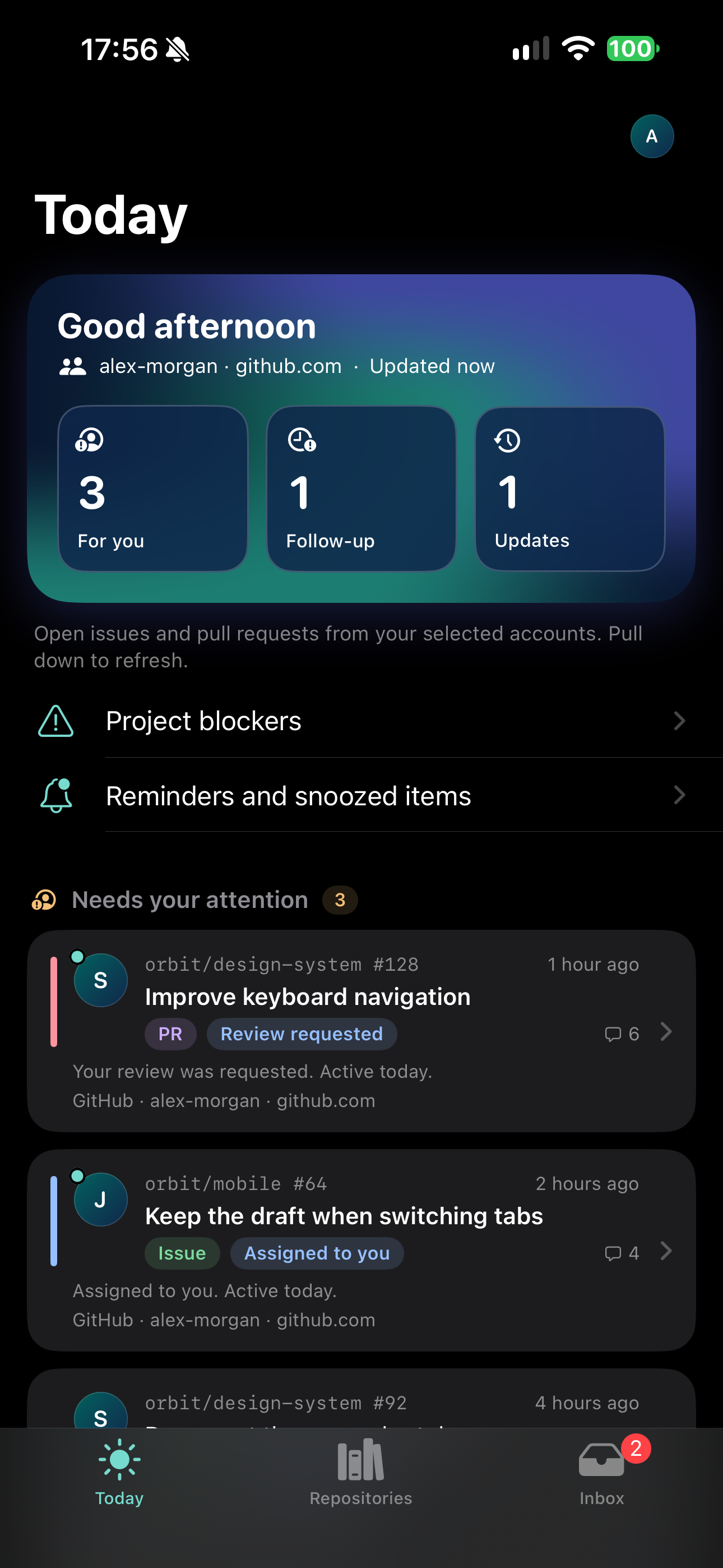
Today brings priorities, updates, and follow-ups together. Choose one account or see them all.
YOUR CODE COMPANION, ON IOS
GitHub, GitLab, and Forgejo, together. A clear view of issues, pull requests, and what needs your attention.
YOUR WORK IS ALREADY HERE.
 GitLab
 Forgejo
01 / LESS NOISE, MORE DIRECTION
Between notifications, reviews, and different projects, catching up should not be another task.
Today brings priorities, updates, and follow-ups together. Choose one account or see them all.
Read a conversation, leave a comment, assign an issue, or approve a pull request, directly in the app.
Snooze an item and set a local reminder. The widget keeps what matters within sight.
02 / YOU STAY IN CONTROL
Direct connections to your providers. Credentials in the iOS Keychain. No Gitdeck server between you and your code.
Read the privacy policyLocal briefings with Apple Intelligence on compatible devices. No automatic switch to an external service.
Connect your account and explicitly allow sharing project data. You can stop sharing in settings.
Optional Face ID, Touch ID, or passcode lock. Widget titles are hidden while app lock is enabled.
03 / OPEN AT THE ROOTS
Gitdeck started as an open-source dashboard for GitHub, GitLab, and Forgejo. Use it in your browser and install it with Docker Compose on your computer or a server you manage.
The iOS app brings the same idea to iPhone: less fragmentation, more context. Two independent experiences for different moments in your day.
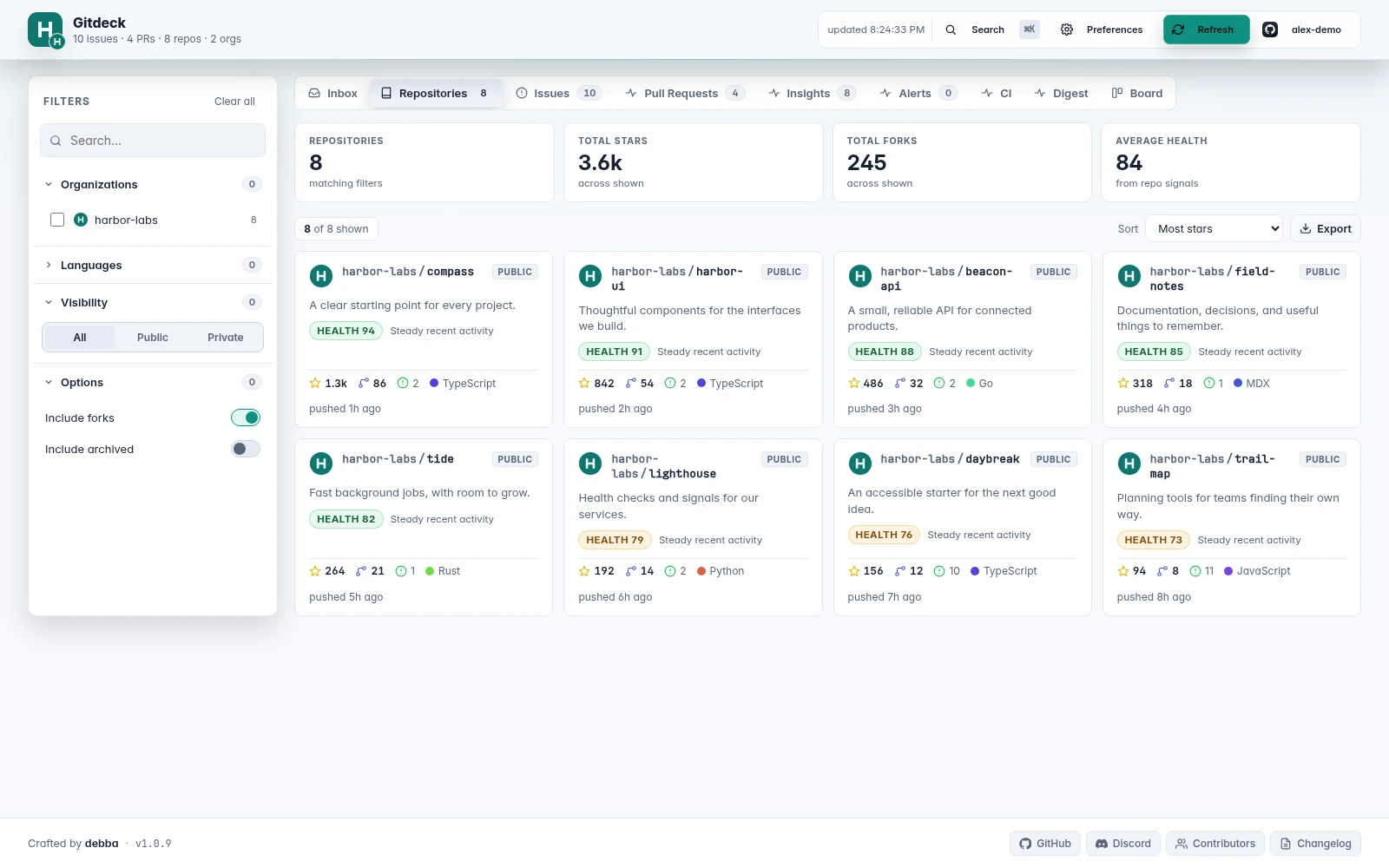
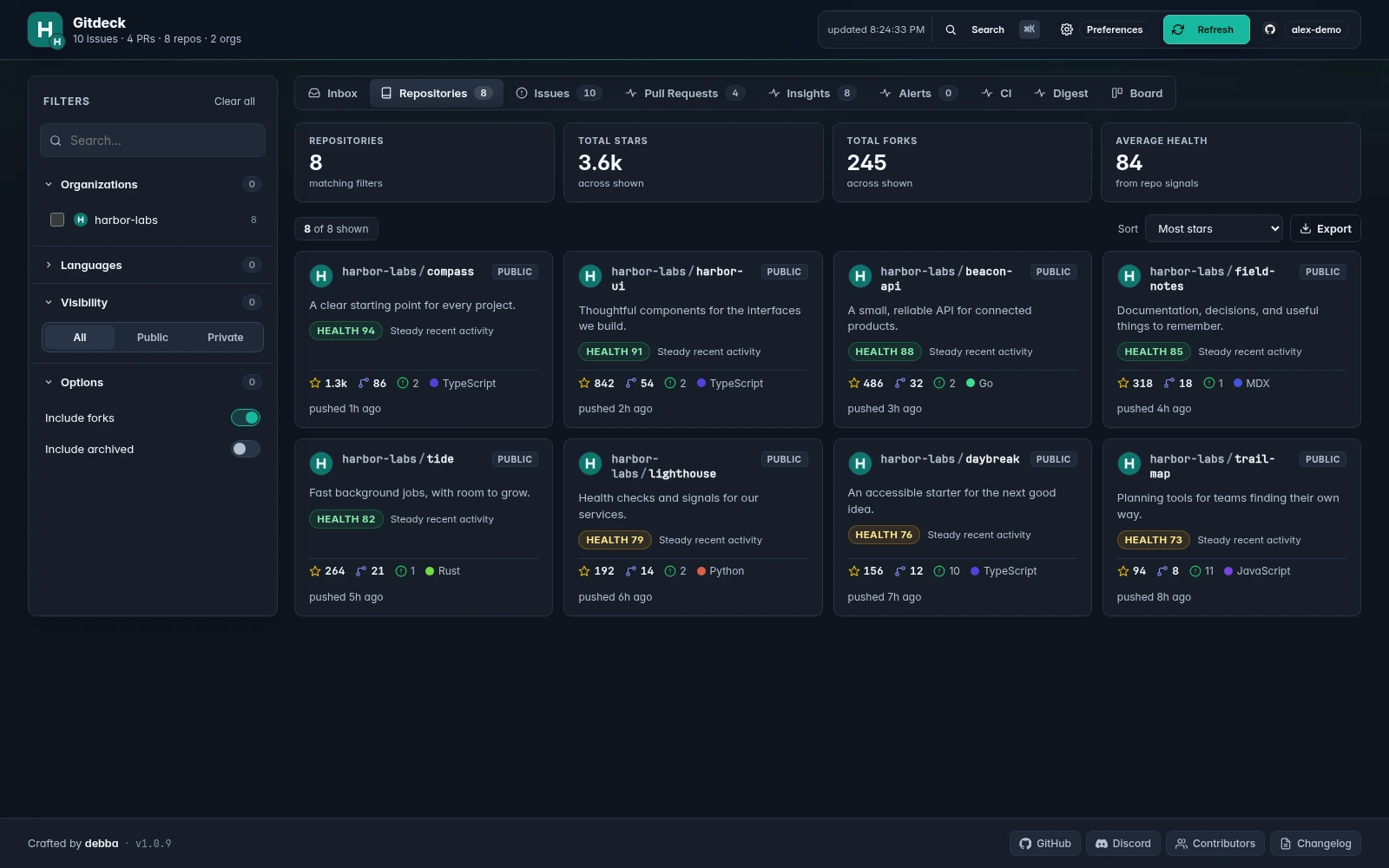
Install with Dockerdebba/gitdeckSource code, docs, and installationRepositories, issues, and pull requests across accounts and providers. Filter by organization, language, or activity to find your projects' context.
On GitHub, explore traffic, CI workflows, and security alerts. Insights help you see which repositories are growing and which need attention.
Organize issues on a Kanban board and catch up with a daily digest. Keep the bigger picture in view, even across different projects.
Dashboard features depend on your provider and account permissions. Explore the code, report an issue, or suggest an improvement on GitHub.
GITDECK, IN YOUR BROWSER
04 / BEFORE YOU SET SAIL
The open-source dashboard is already available. The installation guide walks you through running it with Docker Compose or Node.js. The iOS app is being prepared for the App Store; the first release will be free, in English and Italian, and will require iOS 17 or later.
Yes. Gitdeck brings together GitHub, GitLab, and Forgejo accounts, including Codeberg and self-hosted instances. In the iOS app, connect GitHub through browser authorization or a personal token; for GitLab and Forgejo, use a token and your instance's HTTPS address. Available features depend on provider permissions.
No. The app connects directly to your providers and works without a Gitdeck server. The dashboard and app manage accounts, preferences, and local history separately; they do not sync automatically.
No. Git features work without AI. In the iOS app, on-device briefings require iOS 26 or later and a device compatible with Apple Intelligence. ChatGPT is a separate option that you can enable with your account and consent to sharing project data.
INDEPENDENTLY BUILT. THOUGHTFULLY MADE.
Gitdeck is getting ready for the App Store. Free, in English and Italian, to keep your projects close.
Get in touch Have a question or an idea? Write directly to Andrea.SUPPORT DEVELOPMENT
If Gitdeck is useful to you, you can support me on GitHub Sponsors. Even a small contribution helps me spend more time on fixes, accessibility, and new features.
Every contribution is voluntary. Thank you for your support.